
 Free
Pickup & Instant
Payment!
Free
Pickup & Instant
Payment! 
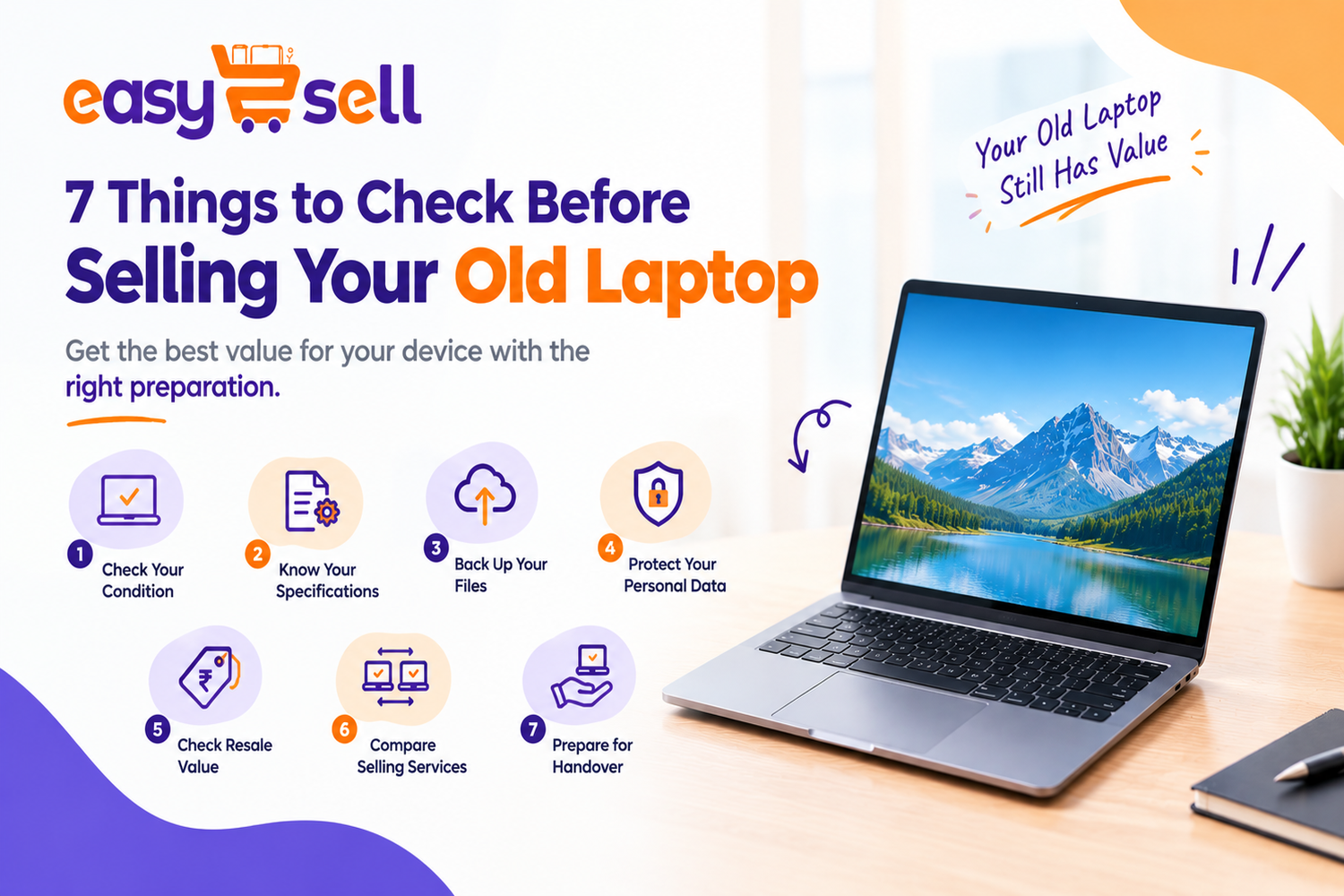
7 Things to Check Before Selling Your Old Laptop
Buying a new laptop is exciting, but what should you do with your old one? If your current device is no longer useful, selling it can help you recover some of its value. However, before handing it over to a buyer, there are a few important things you should check.
From protecting your personal data to understanding your laptop's condition, proper preparation can make the selling process easier. If you are planning to sell old laptop online, these simple tips will help you get your device ready for resale.
1. Check Your Laptop's Overall Condition
The first step is to examine your laptop carefully. Check the screen for cracks, the keyboard for damaged keys, and the touchpad for any issues. Make sure the charging port, speakers, and other essential components are working properly.
Also, look for scratches, dents, and damaged hinges. Being honest about the laptop's condition helps avoid unexpected issues during inspection.
2. Know Your Laptop's Specifications
Your laptop's specifications can influence its resale value. Check the processor, RAM, storage capacity, model number, and approximate purchase year.
If you want to sell used laptop devices, having these details ready can make it easier to compare selling options and understand the estimated value of your device.
You can usually find these details in your laptop's system settings or the manufacturer's information page.
3. Back Up Your Important Files
Your laptop may contain important documents, photographs, work files, and personal information. Before selling it, transfer everything you want to keep to a secure external drive or trusted cloud storage service.
Open your backup and check that the important files are accessible. Do this before resetting the device, because a factory reset or data wipe may permanently delete your information.
4. Protect Your Personal Information
Data security should never be overlooked when selling an electronic device. Sign out of your email, social media, and other personal accounts. Remove saved passwords and disconnect the laptop from personal services where necessary.
After backing up your files, securely erase your personal data and follow the appropriate reset procedure for your operating system. Disable device-tracking or activation-lock features where applicable.
Taking these precautions helps protect your privacy when the laptop passes to its next owner.
5. Check the Laptop's Resale Value
Several factors affect how much a laptop may be worth. These include the brand, model, processor generation, RAM, storage, battery health, physical condition, and current market demand.
For example, people looking to sell old Dell laptop models should identify the exact model and specifications before requesting a quote. Owners planning to sell old MacBook devices should also check the model year, battery condition, and overall functionality.
Compare available offers instead of accepting the first estimate. Remember that the final price may depend on the inspection results and the service provider's terms.
6. Compare Selling Services
There are several ways to sell an unwanted laptop, including local buyers, online marketplaces, and dedicated electronics resale services.
When choosing where to sell laptop online, consider more than the quoted price. Check whether the service accepts your model, offers pickup in your location, explains its inspection process, and provides clear payment terms.
A convenient selling process can save time, particularly if you do not want to search for individual buyers or arrange multiple meetings.
7. Prepare Your Laptop for Handover
Once you have selected a selling option, clean the laptop's exterior with a suitable soft cloth. Gather the charger and any available accessories, and keep your device details ready.
Describe any faults accurately and review the final offer before confirming the sale. If you are looking to sell laptop for cash, make sure you understand the payment process and applicable conditions before handing over your device.
Explore Laptop Selling Options with Easy2Sell
Easy2Sell provides an online platform where you can explore selling options for eligible electronic devices. Depending on your laptop model and location, available services may include requesting a quote, arranging doorstep pickup, and completing an inspection before payment.
Visit Easy2Sell to check the available laptop models and review the selling process. Confirm device eligibility, pricing, and service terms before proceeding.
Conclusion
Selling an old laptop becomes easier when you prepare it properly. Checking its condition, identifying its specifications, backing up important files, and protecting your personal information can help you avoid common mistakes.
Take time to compare offers and choose a selling service that suits your needs. With the right preparation, you can turn an unused laptop into an opportunity while giving the device a chance for a second life.